 PieceUp

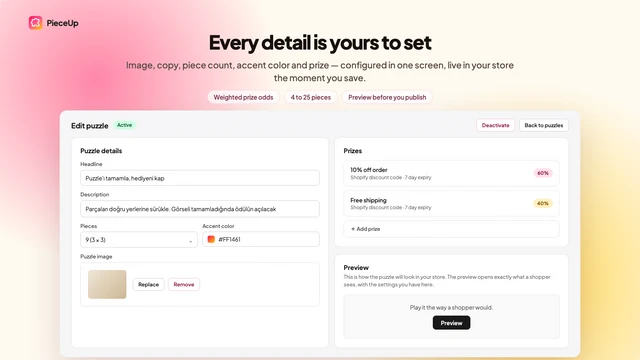
Every detail is yours to set.
Image, copy, piece count, reward and frequency — configured in one screen in your Shopify admin, live in your store the moment you save.
Any image becomes a game in a minute.
Upload a product shot, a lookbook photo, or a seasonal graphic. Set the pieces, the difficulty, and — if you want the clock adding pressure — a time limit.
- 2×2 up to 4×4 pieces, three difficulty levels
- Optional time limit for extra urgency
- Your own headline, description, and accent color
- Preview it exactly as a shopper would, before you publish
Real Shopify discount codes, minted on the win.
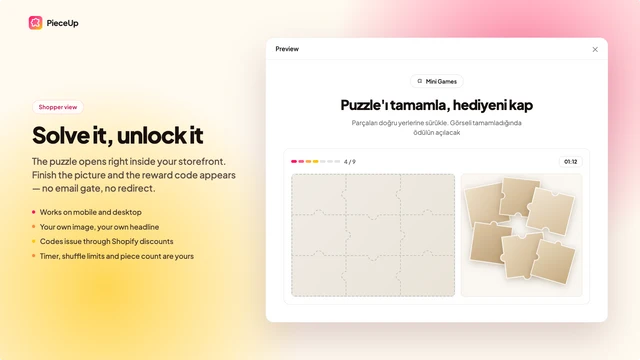
The puzzle opens right inside your storefront. Finish the picture and the reward appears — no email gate, no redirect, no manual code to send.
- Percentage off, amount off, or a free "try again"
- Limit any prize to specific products or collections
- Codes are single-use and show up under Discounts like any other
- Works on mobile and desktop
Show it where — and how often — makes sense.
Turn the widget on from your theme editor, then decide exactly when it should get a shopper's attention.
- A button, an auto-popup after a delay, or both
- Every page, product pages only, or the cart
- Play limits: once ever, once a day, or unlimited — enforced per shopper
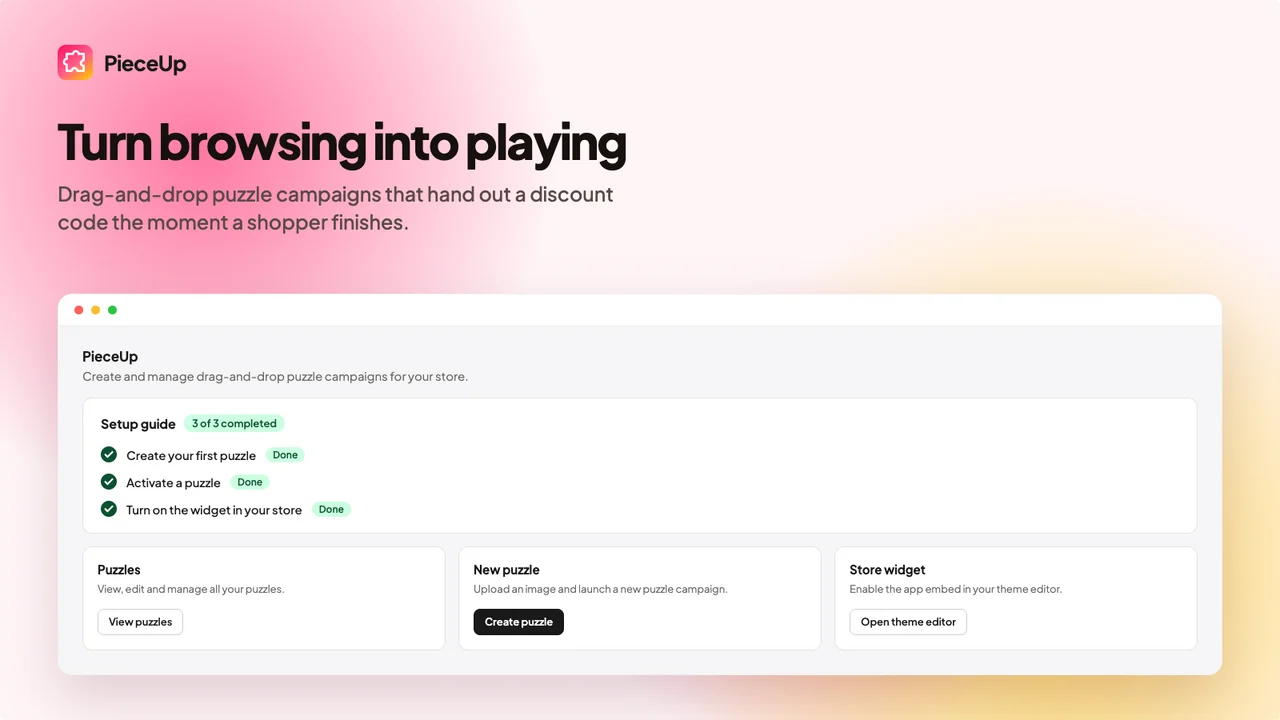
- A guided setup checklist walks you through going live
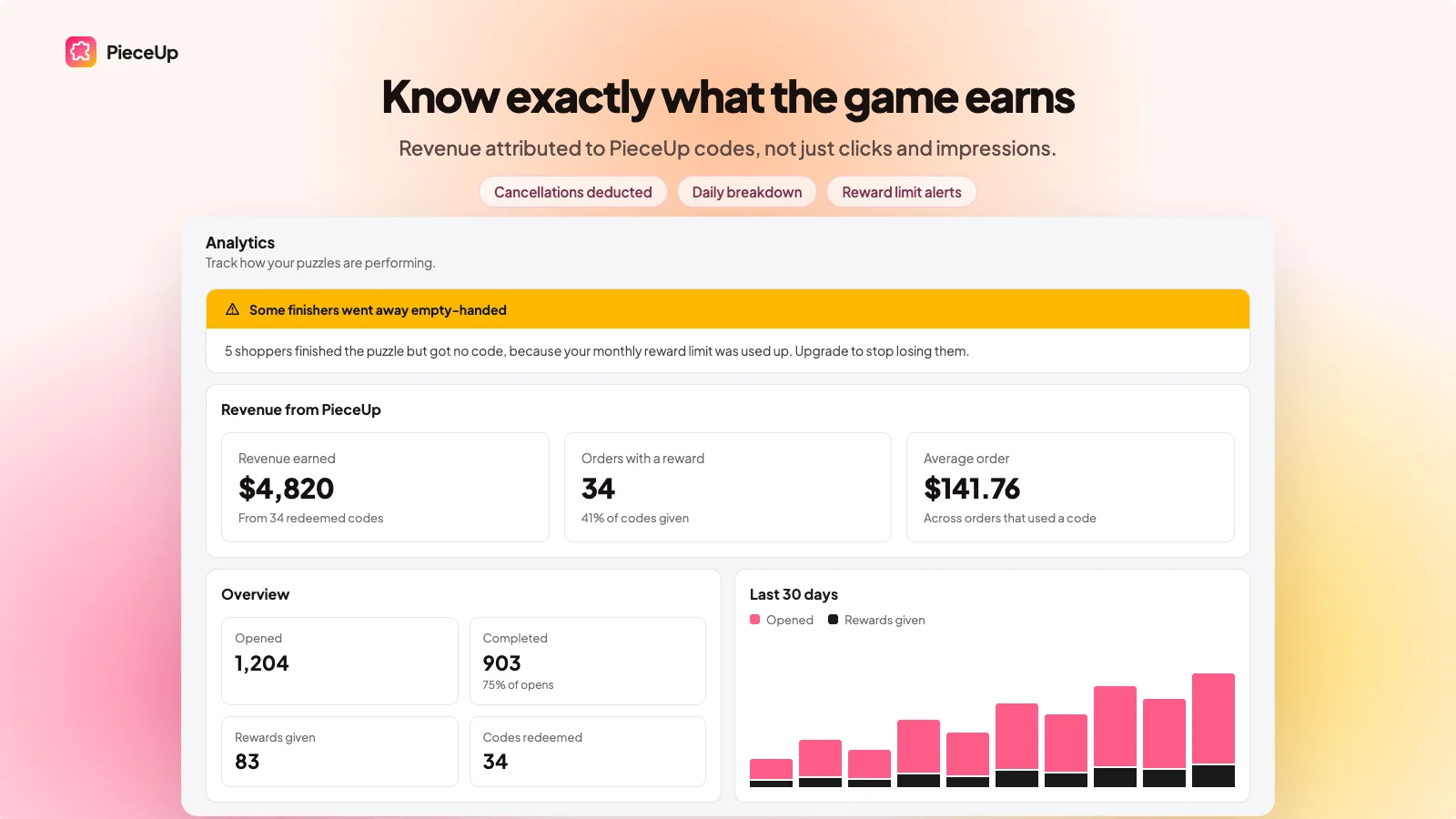
Know exactly what the game earns.
Revenue attributed to PieceUp codes, not just clicks and impressions — with cancellations deducted so the number stays honest.
- Opens, completions, rewards given, and codes redeemed
- Revenue earned and average order value from those orders
- A daily breakdown, and an alert when shoppers finish but a monthly reward limit blocks their code
- No personal shopper data stored — just what happened and what it was worth
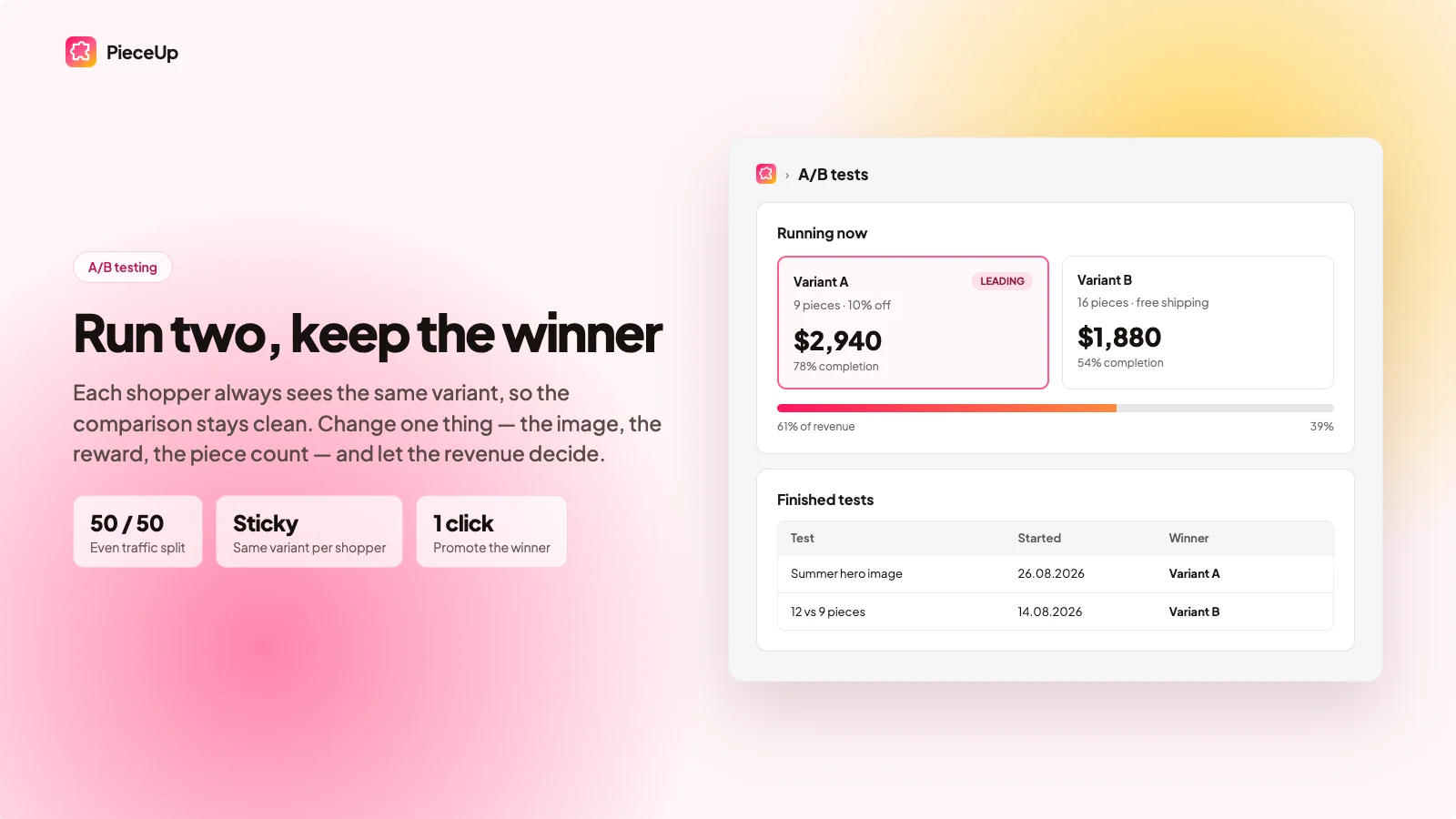
Run two, keep the winner.
Each shopper always sees the same variant, so the comparison stays clean. Change one thing — the image, the reward, the piece count — and let the revenue decide.
- Even split by default, or set your own percentage
- Sticky assignment — no shopper flips between variants mid-test
- One click to promote the winner once you're confident
- Reserved for Premium — a real test needs the traffic that tier's stores have